
GoHighLevel with ServiceTitan, Jobber or Housecall Pro: what actually syncs
Your field software is the system of record. GoHighLevel is the phone and follow-up layer. The whole setup works or fails on five events moving between them cleanly. Here is how each platform handles those five.
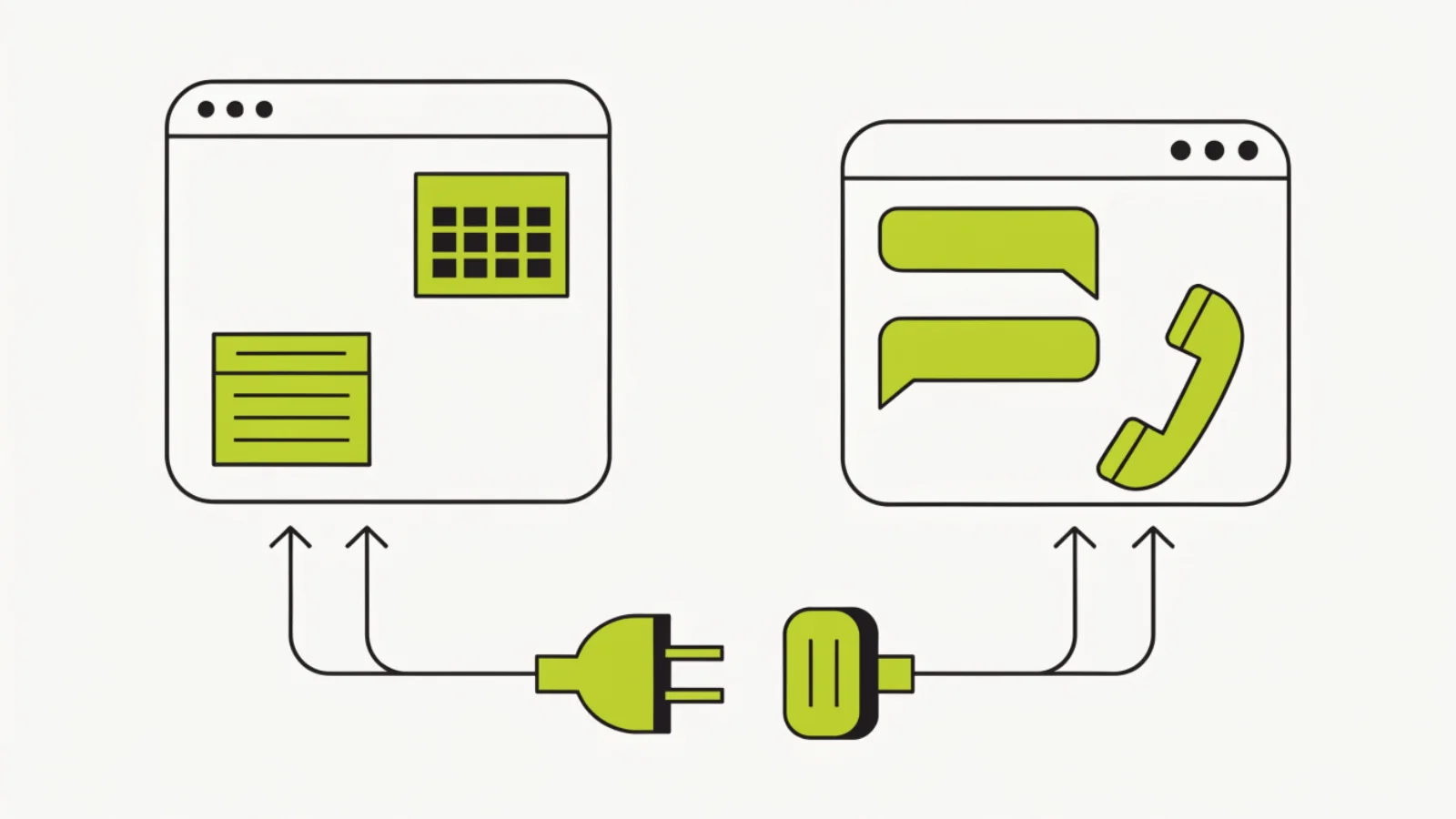
How do you connect GoHighLevel to your field service software?
Keep the field software as the system of record and move five events: new lead (GHL → field software), booking (GHL → field software), estimate sent (field software → GHL, starts follow-up), invoice paid (field software → GHL, starts review request) and job complete (field software → GHL, for reactivation dates). Jobber and Housecall Pro connect through Zapier or Make; ServiceTitan through its API or a marketplace connector, with Zapier for smaller shops. Match contacts on phone number, never on name.
What you need before you start
- Admin access to both platforms and, for ServiceTitan, API access enabled by your account manager (tenant ID, client credentials).
- A Zapier or Make account (most shops need the $20–$30 tier for multi-step zaps), unless you use a native connector.
- Agreed custom fields in GoHighLevel: job_type, quote_link, quote_amount, tech_name, last_service_date, field_customer_id.
- A duplicate rule: match on E.164 phone, then email; create only if neither matches.
- Two hours to map fields and test each event with a real test customer.
The five events, platform by platform
New lead: GHL → field software
When the AI receptionist or a form creates a contact with an address, push a customer record. Jobber: Zapier “Create Client”. Housecall Pro: Zapier “Create Customer” (all plans). ServiceTitan: API “Create Customer + Location” via Zapier’s ServiceTitan app or Make. Store the returned customer ID in field_customer_id.
Booking: GHL → field software
When Voice AI books a HighLevel calendar slot, create the job. Jobber: Zapier “Create Request” (Requests appear for the office to convert). Housecall Pro: Zapier “Create Job” on MAX via full API; Basic and Essentials create a Lead or Estimate instead. ServiceTitan: API “Create Booking” into the Booking Provider queue so dispatch assigns it; direct job creation needs job type and business unit mapping.
Estimate sent: field software → GHL
This starts the follow-up sequence. Jobber: Zapier trigger “Quote Sent” → GHL update opportunity to Quote sent with quote link and amount. Housecall Pro: trigger “Estimate Sent” (MAX API; otherwise an estimate status webhook via Zapier’s HCP app). ServiceTitan: “Estimate Created/Sent” via API polling or webhook → GHL opportunity.
Invoice paid: field software → GHL
This starts the review request. Jobber: “Invoice Paid” trigger. Housecall Pro: “Invoice Paid” trigger. ServiceTitan: payment applied webhook or API poll → GHL tag “invoice-paid” plus job_type and tech_name.
Job complete: field software → GHL
Sets last_service_date and service_type for seasonal reactivation and the yearly review ask. Jobber “Job Closed”, Housecall Pro “Job Completed”, ServiceTitan “Job Completed”.
Duplicates and IDs
Zapier search step: find GHL contact by phone (E.164) → if found update, else create. Write the field software customer ID to GHL and the GHL contact ID to a field-software custom field or tag so later events match.
Test with a real cycle
Create a test customer on your own mobile, let the receptionist book, send an estimate, pay a $1 invoice, close the job. Confirm five events landed and no duplicates were created.
The exact settings we use for home services
| Setting | What we set | Why |
|---|---|---|
| System of record | Field software | Jobs, invoices, payments live in one place |
| Contact match key | Phone (E.164), then email | Names misspell; phones do not |
| Booking into ServiceTitan | Booking Provider queue, not direct job | Dispatch keeps control of job type and business unit |
| Housecall Pro Basic/Essentials | Zapier creates Lead or Estimate | Full job creation is MAX only |
| Jobber bookings | Requests, converted by office | Jobber’s intended intake path |
| Estimate sent → GHL | Opportunity stage Quote sent + quote_link | Starts the day 0/1/3/7 sequence |
| Invoice paid → GHL | Tag invoice-paid + job_type + tech_name | Starts the review request |
| Polling vs webhooks | Webhooks where offered; Zapier polling 1–15 min otherwise | Follow-up timing depends on it |
Where this goes wrong
- Making GoHighLevel the system of record. Then the office has two places to look for a job. Field software owns jobs; GHL owns phone and follow-up.
- Matching on name. “Jon” and “John” become two customers. Match on phone.
- Creating ServiceTitan jobs directly from the AI. Wrong business unit or job type breaks dispatch and reporting. Use the booking queue.
- Expecting Housecall Pro Basic to behave like MAX. Full API sync is MAX only; plan for Zapier leads on lower plans.
- Not storing the IDs. Without the field customer ID in GHL, every later event creates a duplicate.
Texas notes
The sync itself has no Texas rules, but the events it starts do: estimate follow-up and review requests are consent-based under the November 2025 settlement, and the licence number (RMP, TECL, TACLA) should ride in the texts they trigger. Store the original call recording or form as the consent record on the contact. Under Texas SB 140 (effective 1 September 2025) texts to prospects are telephone solicitation, so send windows stay 9am to 9pm Monday to Saturday and noon to 9pm Sunday; follow-up to people who contacted you first is exempt from registration under the November 2025 settlement, and Texas is one-party consent for recording.
What this costs in HighLevel
HighLevel plans are $97 (Starter) or $297 (Unlimited) a month per agency; most contractors pay an agency a flat fee that includes the sub-account. Usage below is at LC Phone rates with HighLevel’s 5% markup.
| Line item | Monthly |
|---|---|
| Zapier Professional (multi-step, ~750–2,000 tasks) | $20–$50 |
| Or Make Core/Pro | $10–$20 |
| ServiceTitan API access | Included with most plans; confirm with your account manager |
| Native marketplace connectors (where available) | $0–$50 |
| GoHighLevel plan | $97 or $297, usually inside an agency fee |
| Typical total for the integration layer | $20–$50 a month |
Questions owners ask
Does GoHighLevel integrate natively with ServiceTitan?
Through ServiceTitan’s API and marketplace connectors, and through Zapier or Make for smaller shops. Bookings should go into the Booking Provider queue rather than creating jobs directly.
Does GoHighLevel integrate with Jobber?
Yes, through Zapier or Make. New leads create Clients, bookings create Requests, and Quote Sent, Invoice Paid and Job Closed flow back to start follow-up and reviews.
Does GoHighLevel integrate with Housecall Pro?
Yes. Full two-way sync on MAX via the API; Basic and Essentials connect through Zapier with leads and estimates instead of jobs.
Which should be the system of record?
Your field software. GoHighLevel owns the phone, texts, follow-up and reviews.
How do I avoid duplicate customers?
Match on phone number in E.164 format first, then email, and store the field software customer ID in GoHighLevel.
How fast do events sync?
Webhooks are near-instant. Zapier polling runs every 1–15 minutes depending on plan, which is fine for follow-up and reviews.
Can the AI receptionist see real availability from ServiceTitan?
Through calendar sync or a capacity read via API, with setup. Many shops book into HighLevel calendars that mirror crew availability and let dispatch confirm.
What does the integration cost?
Usually $20–$50 a month for Zapier or Make, plus your HighLevel plan.
Do I need the GoHighLevel Unlimited plan?
No. Starter supports API and Zapier. Unlimited is for multiple sub-accounts.
Can one event start both follow-up and reviews?
No, different events: Estimate Sent starts follow-up; Invoice Paid starts the review request; Job Complete sets reactivation dates.
Next pages
Sources
- Apexure, GoHighLevel Pricing (4 Sep 2026): Starter $97, Unlimited $297, AI Employee $50/$97, Voice AI $0.045/min engine plus voice, LC Phone $0.00747 per SMS segment, $0.01165 per inbound minute, $1.15 per local number, A2P $24.50.
- HighLevel Help Center, Workflows, Voice AI Agents and LC Phone documentation (accessed 20 Oct 2026).
- AgentZap, Housecall Pro integration notes (2026): full API on MAX, Zapier on Basic/Essentials.
- Jobber Developer Center and Housecall Pro API documentation (accessed 20 Oct 2026); ServiceTitan Developer Portal (Booking Provider and Customers APIs).
- Texas SB 140 (1 Sep 2025); Texas AG settlement Nov 2025.
Want the five events wired and tested with a real customer cycle?
We map the fields, build the zaps or API connections, set duplicate rules and run the test cycle with you before anything goes live.