
AI receptionist + ServiceTitan, Housecall Pro, Jobber
Every vendor says “yes, we integrate.” What they mean ranges from “our booking lands in your dispatch board with the customer record attached” to “we email you a summary and someone types it in.” Here’s how to tell which, tool by tool, and the ten-minute test to run before you sign.
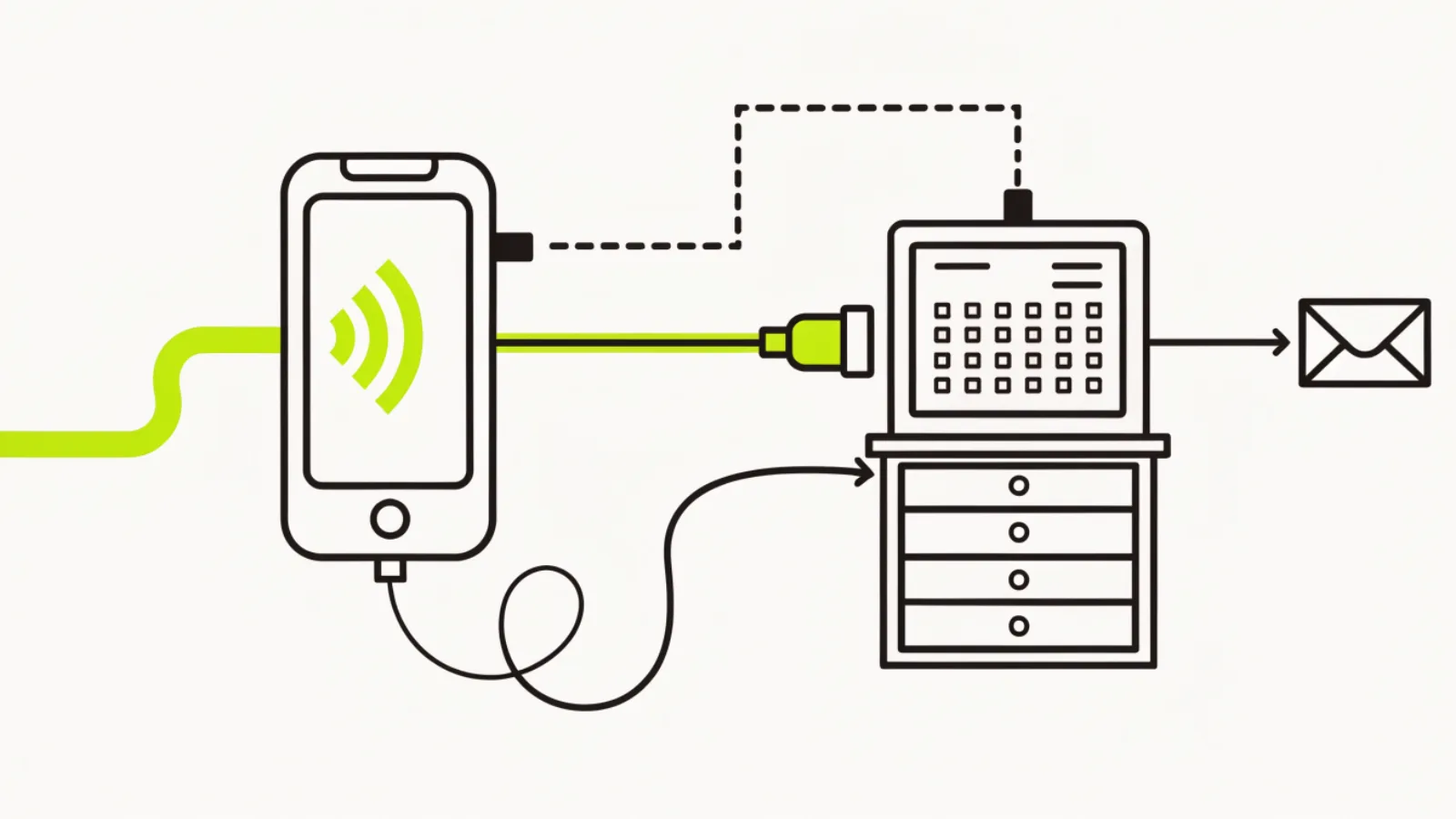
Does an AI receptionist work with my field-service software?
Usually, in one of four ways, and the way matters more than the yes. A native integration writes the booking, the customer and the call notes straight into ServiceTitan, Housecall Pro, Jobber or FieldEdge. A middleware connection (Zapier, Make, n8n) does most of that with a few seconds’ delay and some setup. A calendar sync books into a shared calendar the job software also reads. An email or text handoff sends you a summary and someone types it in, which is the one that quietly turns back into missed bookings. Ask which of the four you’re getting, then test it live.
| Connection type | What gets pushed | Delay | Who it suits | Watch out for |
|---|---|---|---|---|
| Native (vendor-built, API partner) | Customer record, booking on the dispatch board, job type, notes, sometimes call recording | Seconds | Shops living in ServiceTitan or HCP | Often plan-gated on the job software side; ask which tier |
| Middleware (Zapier, Make, n8n) | Customer + booking + notes, mapped field by field | Seconds to a minute | Most 2–15 truck shops | Breaks silently when a field name changes; needs an owner |
| Calendar sync | A booking on a calendar the job software reads; no customer record | Near real-time | Solo and small shops | Customer details live in the AI’s CRM, not the job software |
| Email / text handoff | A summary to the office | Whenever someone reads it | Nobody, long term | Re-creates the problem you bought the AI to fix |
What should you check for each tool?
The questions below are the ones that separate a real connection from a slide. Ask them with your account open.
| Your software | Ask the AI vendor | Check on your side |
|---|---|---|
| ServiceTitan | “Are you a ServiceTitan API partner? Show a booking landing on my dispatch board with the customer matched, not duplicated.” | ServiceTitan integrations are typically available on specific plans; confirm your plan exposes the API and who approves partner apps |
| Housecall Pro | “Native or Zapier? Show the customer record, the job and the notes arriving.” | HCP offers API and Zapier access on higher tiers; check your tier before you buy the AI |
| Jobber | “Native or via Zapier/Make? Does the booking create a request, a quote or a visit?” | Jobber’s API and Zapier app exist; decide whether you want AI bookings as requests (office confirms) or visits (go straight to the schedule) |
| FieldEdge | “How do you connect: API, middleware or calendar?” | Fewer AI vendors connect natively; a calendar sync plus customer notes is the usual answer |
| GoHighLevel (what we build on) | Built in: calendars, contacts, pipelines, texting and Voice AI are the same system | If your job software is any of the above, the booking is pushed from GoHighLevel into it; the AI never needs a second integration |
| Spreadsheet or paper | Any calendar sync works | Start with a shared Google Calendar; move to job software when the route needs it |
What’s the ten-minute test before you sign?
Call your own number from a cell
Give a fake name, a real address in your area, a common job type, and ask for tomorrow morning.
Open the job software
Did a customer appear, once, with phone and address? Did a booking land in the right window, right job type, right tech or unassigned as you prefer?
Read the notes
Is the call summary on the job, in words a tech can use? Is the recording linked?
Call again with the same number
Did it match the existing customer or create a duplicate? Duplicates are how dispatch boards rot.
Reply to the confirmation text with “reschedule”
Did the change reach the job software, or only the AI’s calendar?
Pull the plug
Ask the vendor what happens when the integration fails at 7 p.m. on a Saturday. The right answer involves a fallback text to you and a log; the wrong answer is “it doesn’t fail.”
Why build the AI inside the CRM instead of bolting it on?
Because every integration is a place for a booking to disappear. A GoHighLevel build keeps the call, the contact, the calendar, the follow-up texts and the review ask in one account, then pushes the finished booking into ServiceTitan, Housecall Pro or Jobber once. One connection to maintain, one log to read when something’s off. Shops that want the AI’s booking to be the job software’s booking, with no second system, can do that too; we set the AI’s calendar to the job software’s and the CRM holds only the conversation.
Texas notes
Whatever the connection, the booking confirmation and reminder texts go from your business number with the licence number in the signature, and the AI’s notes include whether the caller gave text consent, so the job software’s customer record carries the consent flag you’ll need for next spring’s reactivation campaign. The Texas rules page has the detail.
Questions owners ask
Does the AI need my job software’s API?
For a native connection, yes, and the API is often plan-gated. Middleware or a calendar sync works without it.
Will it create duplicate customers?
It will unless it matches on phone number. Test it with two calls from the same number.
Can it see my techs’ schedules?
With a native or calendar connection, yes; that’s what lets it book real windows. With an email handoff, no.
What if I change job software next year?
A CRM-based build keeps the AI, texts and follow-up; only the push changes.
Does it work with QuickBooks?
Not directly needed; bookings go to the job software, which handles invoicing and QuickBooks.
How long does the integration take to set up?
Native or calendar: an afternoon. Middleware: a day plus testing. Email handoff: zero, which is the problem.
Who fixes it when it breaks?
Name a person before you sign. Middleware connections need an owner who reads the error log.
Can the AI update an existing job?
Reschedules and cancellations, with a native or middleware connection. Rarely with calendar sync.
Does ServiceTitan’s own call feature replace this?
It overlaps for in-hours call handling; most shops still want after-hours booking and the follow-up texts, which is where the AI sits.
What’s the first thing to check?
Which of the four connection types you’re being offered. Everything else follows from that.
Next pages
Sources
- Vendor documentation for ServiceTitan, Housecall Pro and Jobber developer and integration programs (plan availability varies; verify on your account)
- NextPhone, “AI Receptionist Cost: 2026 Pricing Guide,” 9 Oct 2026 (integration notes by vendor): getnextphone.com
Want to run the ten-minute test on your account?
Thirty minutes on Central Time. We connect a test AI to your job software, you call it, and you watch where the booking lands. If it doesn’t land right, you’ve lost nothing.