
GoHighLevel review request workflow: ask every paid job, once
83% of customers who are asked leave a review. Almost no contractor asks every time, because the ask depends on a human remembering. This workflow removes the human from the remembering and keeps them in the reply.
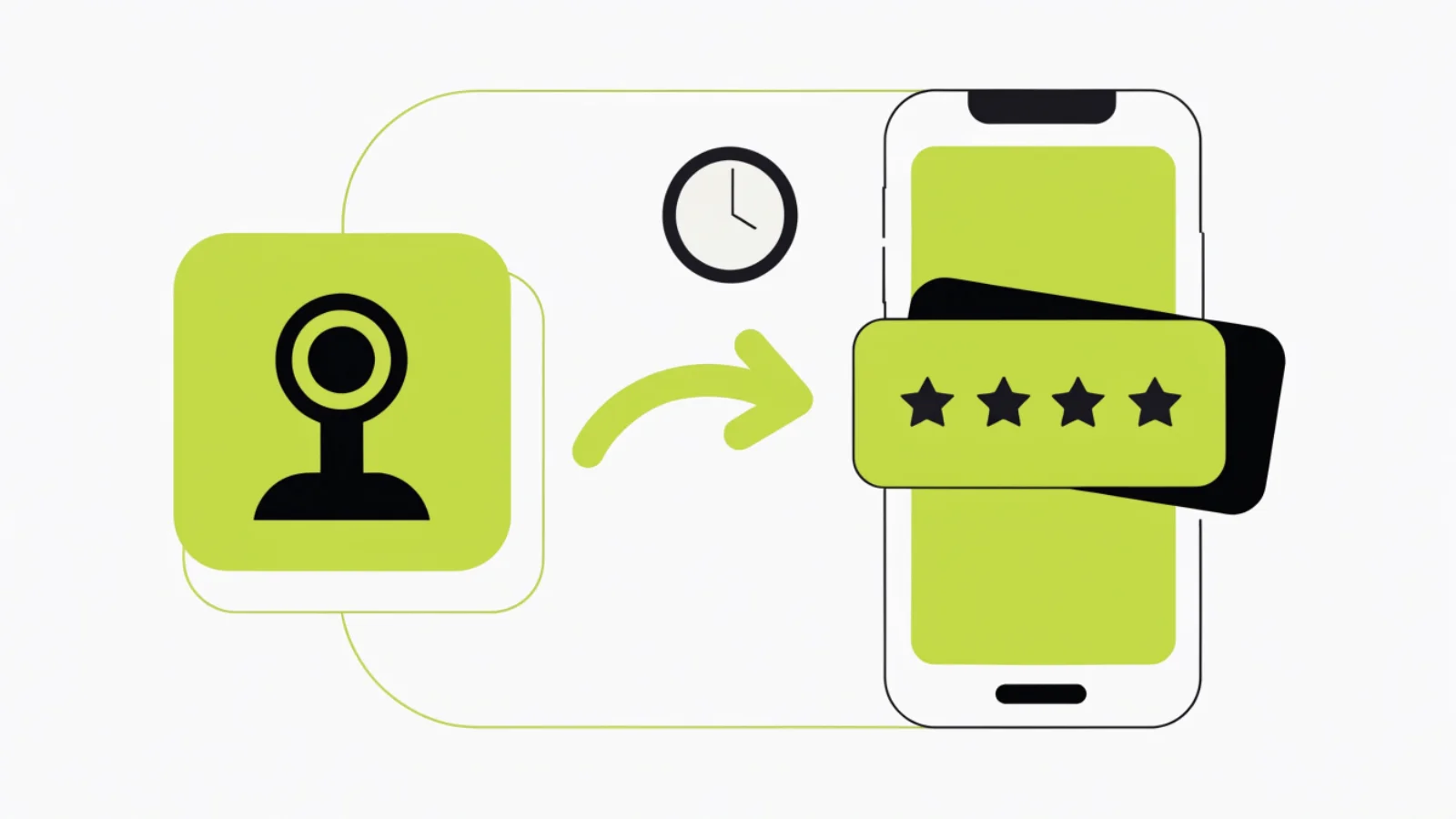
How do you automate Google review requests in GoHighLevel?
Trigger a workflow on Invoice Paid (or on an “Invoice paid” event pushed from your field software), wait by job type (45 minutes for a repair, next morning for an install), send one SMS from the technician’s name with your Google review link stored as a custom value, wait 3 days, check whether a review arrived via the Reputation tab, send one reminder if not, and stop. No incentive, no “were you happy” gate, Texas 9am–9pm window on.
What you need before you start
- Your Google Business Profile connected under Reputation → Settings, so new reviews pull in and the short review link is available.
- A custom value “google_review_link” (Settings → Custom Values) holding your direct “write a review” URL.
- Invoice Paid events: HighLevel invoices if you bill in HighLevel, or Zapier from ServiceTitan, Housecall Pro or Jobber (“Invoice paid” → add tag “invoice-paid” + update job_type and tech_name).
- Custom fields on the contact: job_type, tech_name.
- A2P 10DLC approved.
Step-by-step build
Connect Google
Reputation → Settings → Integrations → connect Google Business Profile. Copy the review link into Custom Values as google_review_link.
Create the workflow
Automation → Workflows → trigger Invoice Paid (HighLevel invoices) or Contact Tag Added “invoice-paid” (pushed from your field software via Zapier).
Branch by job type
If/Else on {{contact.job_type}}: Repair → Wait 45 minutes; Install → Wait until next day 9am; Maintenance → Wait 2 hours; Warranty callback → end (ask after the fix, not the failed first visit).
Send the ask
Send SMS from {{contact.tech_name}}: “Hi {{contact.first_name}}, [Tech] here from [Company]. Glad the [job] is sorted. If you have 30 seconds, a Google review helps a local shop more than any ad: {{custom_values.google_review_link}}. Thanks for having me out.”
Wait and check
Wait 3 days. If/Else: contact has tag “review-received” (set by a second workflow triggered on New Review that matches the contact) → end. Else send one reminder: “Just leaving the link here in case it got buried: [link]. No pressure, thanks either way.”
Reply handling
Workflow Settings → Stop on response ON. A reply goes to Conversations and notifies the tech or owner; a complaint becomes a task before the reminder would send.
Draft replies to reviews
Second workflow: trigger New Review → notify owner with an AI-drafted reply (Reviews AI in the AI Employee bundle) → owner approves in the Reputation tab within 48 hours.
Window and signature
Time Window 9am–9pm Mon–Sat, noon–9pm Sun. Licence number in the signature where the trade requires it.
The exact settings we use for home services
| Setting | What we set | Why |
|---|---|---|
| Trigger | Invoice Paid or tag “invoice-paid” from field software | Asks after money changed hands, never before |
| Delay by job type | Repair 45 min; install next morning; maintenance 2 h; warranty callback none | Catch the moment they are happiest |
| Sender | Tech name from custom field | People review people |
| Link | Direct Google “write a review” URL via custom value | One tap, no searching |
| Reminder | One, at 3 days, only if no review | Second ask works; third annoys |
| Stop on response | ON | A complaint stops the reminder |
| Incentive | None, ever | FTC rule since 21 Oct 2024; Google removes paid reviews |
| Reply SLA | 48 hours, drafted by AI, approved by owner | 89% of consumers expect a reply |
Where this goes wrong
- Asking before the invoice is paid. A price dispute becomes a public review.
- Gating with “were you happy?” Review gating violates Google’s policy and the FTC rule when it filters negatives. Ask everyone.
- Asking every visit on recurring accounts. Cleaning and lawn clients get one ask after the first visit and one a year after. Add a tag check.
- Sending from the company. “Thanks for choosing ABC Services” gets ignored; “Hi, it’s Mike” gets reviews.
- Never replying. The reply is read by the next 50 prospects. Build the New Review workflow too.
Texas notes
A review request after a paid job is customer communication, so it is exempt from SB 140 registration under the November 2025 settlement, but we still keep the 9am–9pm window and include the business name. TDLR and TSBPE require licence numbers in advertising; adding them to the review text costs nothing. Under Texas SB 140 (effective 1 September 2025) texts to prospects are telephone solicitation, so send windows stay 9am to 9pm Monday to Saturday and noon to 9pm Sunday; follow-up to people who contacted you first is exempt from registration under the November 2025 settlement, and Texas is one-party consent for recording.
What this costs in HighLevel
HighLevel plans are $97 (Starter) or $297 (Unlimited) a month per agency; most contractors pay an agency a flat fee that includes the sub-account. Usage below is at LC Phone rates with HighLevel’s 5% markup.
| Line item | Monthly |
|---|---|
| Workflows and Reputation tab | $0 (included) |
| Texts: 300 jobs × up to 2 segments at about 0.8¢ | About $5 |
| Reviews AI reply drafts | Included in AI Employee ($50 or $97/mo) or skip and write replies yourself |
| Zapier for Invoice Paid from field software | $0–$30 |
| Total | About $5–$35 a month before the optional AI bundle |
Questions owners ask
What trigger should start a review request in GoHighLevel?
Invoice Paid if you invoice in HighLevel, or a tag added by Zapier when your field software marks the invoice paid.
How long should I wait before asking?
45 minutes after a repair, the next morning after an install, two hours after maintenance, and never after a failed first visit.
Can I filter out unhappy customers first?
No. Review gating breaks Google’s policy and the FTC rule when it suppresses negatives. Ask everyone and reply well.
Can I offer a discount for a review?
No. The FTC rule effective 21 October 2024 bans conditional incentives, and Google removes reviews it detects as paid.
How do I know whether a review arrived?
Connect Google under Reputation. A New Review trigger can tag the matching contact so the reminder is skipped.
Where do I store the Google review link?
In Custom Values as google_review_link and reference it in the SMS, so one change updates every workflow.
Should the ask come from the tech or the company?
The tech, from a custom field. Roughly double the response in our client data.
How many reminders?
One, three days later, only if no review arrived.
Is this legal in Texas?
Yes. It is customer communication to someone who just paid you. Keep sends inside 9am–9pm and include the business name.
What does it cost?
About $5 a month in texts for 300 jobs, plus Zapier if your invoices live in field software.
Next pages
Sources
- Apexure, GoHighLevel Pricing (4 Sep 2026): Starter $97, Unlimited $297, AI Employee $50/$97, Voice AI $0.045/min engine plus voice, LC Phone $0.00747 per SMS segment, $0.01165 per inbound minute, $1.15 per local number, A2P $24.50.
- HighLevel Help Center, Workflows, Voice AI Agents and LC Phone documentation (accessed 20 Oct 2026).
- BrightLocal, Local Consumer Review Survey 2026: 83% of consumers asked left a review; 89% expect a reply.
- FTC, Trade Regulation Rule on the Use of Consumer Reviews and Testimonials (effective 21 Oct 2024).
- Texas SB 140 (1 Sep 2025); Texas AG settlement Nov 2025.
Want the review ask firing from every paid invoice by next week?
We connect Google, your field software and the workflow, write the asks in your techs’ voices and set up reply drafts. You approve replies; the count climbs.