
How do you set up the Meta Pixel and Conversions API for lead generation?
Install the Pixel on every page, send the same events server-side through the Conversions API with a shared event_id, pass hashed email and phone to raise Event Match Quality, and send a booked-appointment event from your CRM so Meta optimises for appointments, not form fills. Browser-only tracking now misses an estimated 20 to 30% of conversions.
Why does a local business need the Conversions API in 2026?
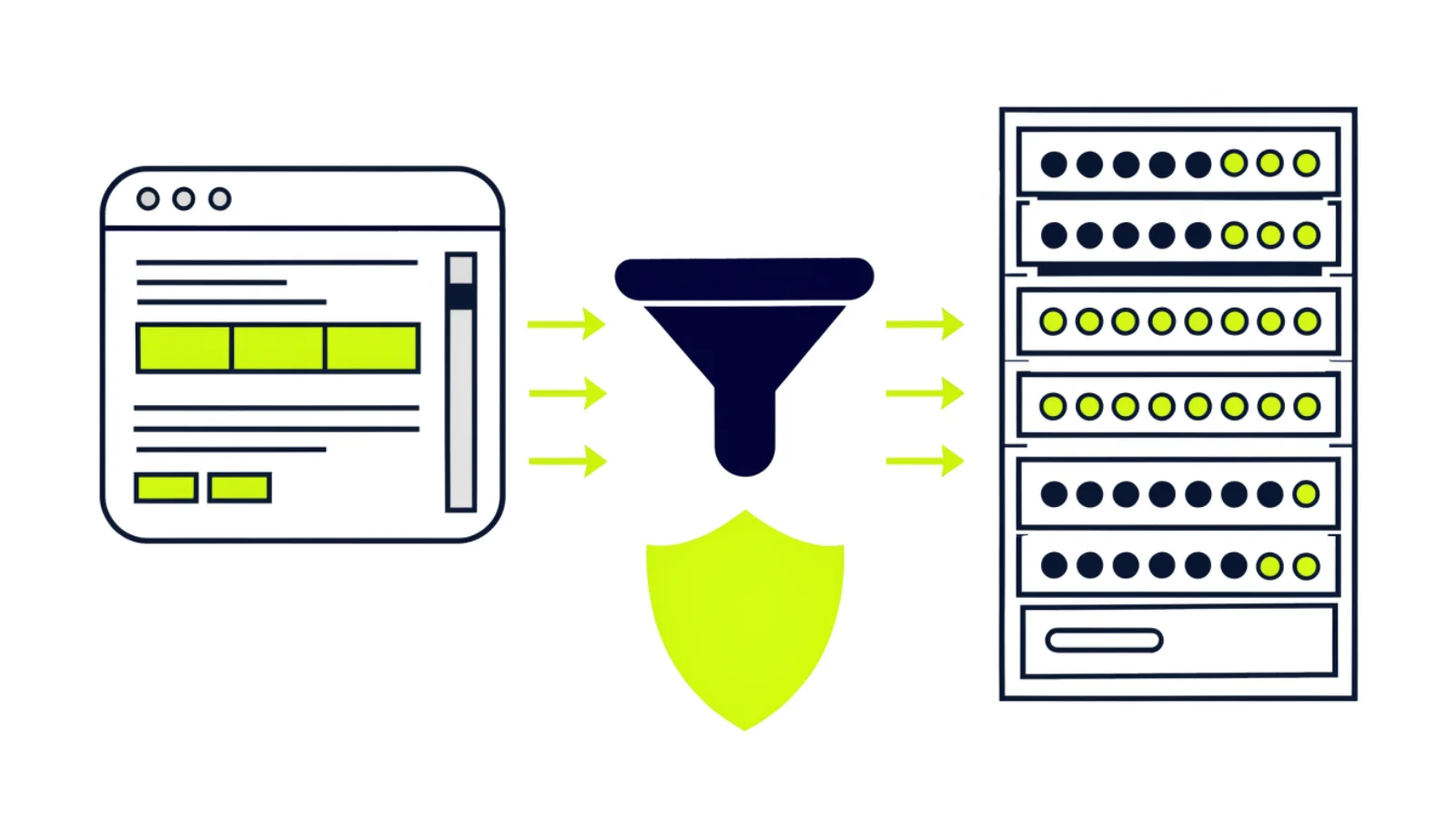
The Meta Pixel is a browser script. Safari’s tracking prevention, iOS privacy prompts, consent banners and ad blockers now stop a large share of it from reporting, so Meta sees fewer of your leads than you actually received. Industry estimates put the gap at 20 to 30% for browser-only setups. The Conversions API sends the same events from your server or CRM, where nothing blocks them.
For lead generation there is a second reason. The Pixel can only see a form submit. Your CRM knows which of those leads booked and showed up. Sending that outcome back to Meta lets the algorithm find people who book, not people who fill forms. That is the single biggest lever on cost per booked appointment that most local businesses never pull.
Which events should a service business send, and from where?
Hash email and phone with SHA-256 before sending, or use an integration that does it for you. Never send raw personal data.
| Event | When it fires | Source | Parameters to include | Use |
|---|---|---|---|---|
| PageView | Every page load | Pixel + CAPI | fbp, fbc, external_id | Audiences and matching |
| ViewContent | Service page viewed | Pixel | content_name | Retargeting |
| Contact | Click-to-call or chat opened | Pixel | none | Engagement audiences |
| Lead | Form submitted | Pixel + CAPI (deduplicated) | em, ph, fn, ln, event_id | Campaign optimisation, early |
| Schedule | Appointment booked | CAPI from CRM | em, ph, event_id, value | Campaign optimisation, mature |
| QualifiedLead (custom) | CRM stage set to qualified | CAPI from CRM | em, ph, event_id | Conversion Leads optimisation |
| Purchase | Invoice paid | CAPI from CRM | value, currency | ROAS reporting |
How do you set it up step by step?
Create or confirm the Pixel
Events Manager, Data Sources. One Pixel per business. Install the base code on every page, or through your site builder’s integration.
Add standard events on the website
Lead on the form thank-you, Contact on click-to-call, ViewContent on service pages. Use the Event Setup Tool or your form plugin.
Choose how to send server events
Partner integration (Shopify, WordPress plugins, GoHighLevel), Conversions API Gateway, or custom code. Local businesses rarely need custom code.
Deduplicate
Send the same event_id from browser and server for each Lead. Events Manager should show one deduplicated event per submission.
Raise Event Match Quality
Pass hashed email, phone, first and last name, plus fbp and fbc from the browser. Aim for Good or Great on Lead and Schedule.
Send outcomes from the CRM
In GoHighLevel, trigger Schedule when an appointment is created and QualifiedLead when the pipeline stage changes. Connect instant forms through the Conversion Leads integration.
Verify, then optimise
Use Test Events, then switch the campaign objective to the deepest event with roughly 50 occurrences a week.
What are the key numbers?
What about consent and privacy?
Server-side tracking does not bypass consent law. In the US, follow your privacy policy and any state rules. Hash identifiers, send only what Meta needs, and keep the CRM as the system of record. Our website pages cover the technical side of the site itself.
Common questions about the Pixel and Conversions API
Do I still need the Pixel if I use the Conversions API?
Yes. Use both. The Pixel captures browser signals such as fbc and fbp that make server events match better, and the API captures what browsers block. Deduplicate with a shared event_id.
What is Event Match Quality?
A 0 to 10 score Meta gives each server event based on how many customer identifiers it includes. Hashed email and phone plus fbc and fbp usually move a lead event from “OK” to “Great”. Higher scores mean cheaper, better-targeted leads.
Which events should a local business send?
Lead on form submit, Schedule when an appointment is booked, and a custom QualifiedLead when the CRM marks a lead as real. Optimise campaigns for Schedule or QualifiedLead once you have about 50 a week.
What about Meta lead forms (instant forms)?
Instant-form leads never touch your website, so the Pixel does not see them. Connect the CRM to Meta’s Conversion Leads integration so booked and qualified outcomes flow back and Meta optimises on them.
Can GoHighLevel send conversion events?
Yes. GoHighLevel’s Meta integration and workflows can fire Conversions API events when a pipeline stage changes, such as Appointment Booked or Qualified.
How do I check it is working?
Events Manager, Test Events tab: submit a test form and confirm one Lead event appears with both browser and server sources and a deduplicated count of one.
What is related to Pixel and Conversions API setup?
No auto-renew. You own everything. Paid on booked appointments.
Every system we build sits in your own account, on your own numbers and domain. If you stop working with us, nothing switches off and nothing has to be migrated.
Want Meta optimising for booked appointments instead of form fills?
Book a free strategy call. We set up Pixel, Conversions API and the CRM events in your own ad account.