
Appointment confirmation and reminder texts
A tech drives 40 minutes to a locked door. Multiply by three a week and you’ve lost a day of labour and fuel. Here are the three texts that stop it, the exact wording, when each goes out, and the arrival-window text that customers actually thank you for.
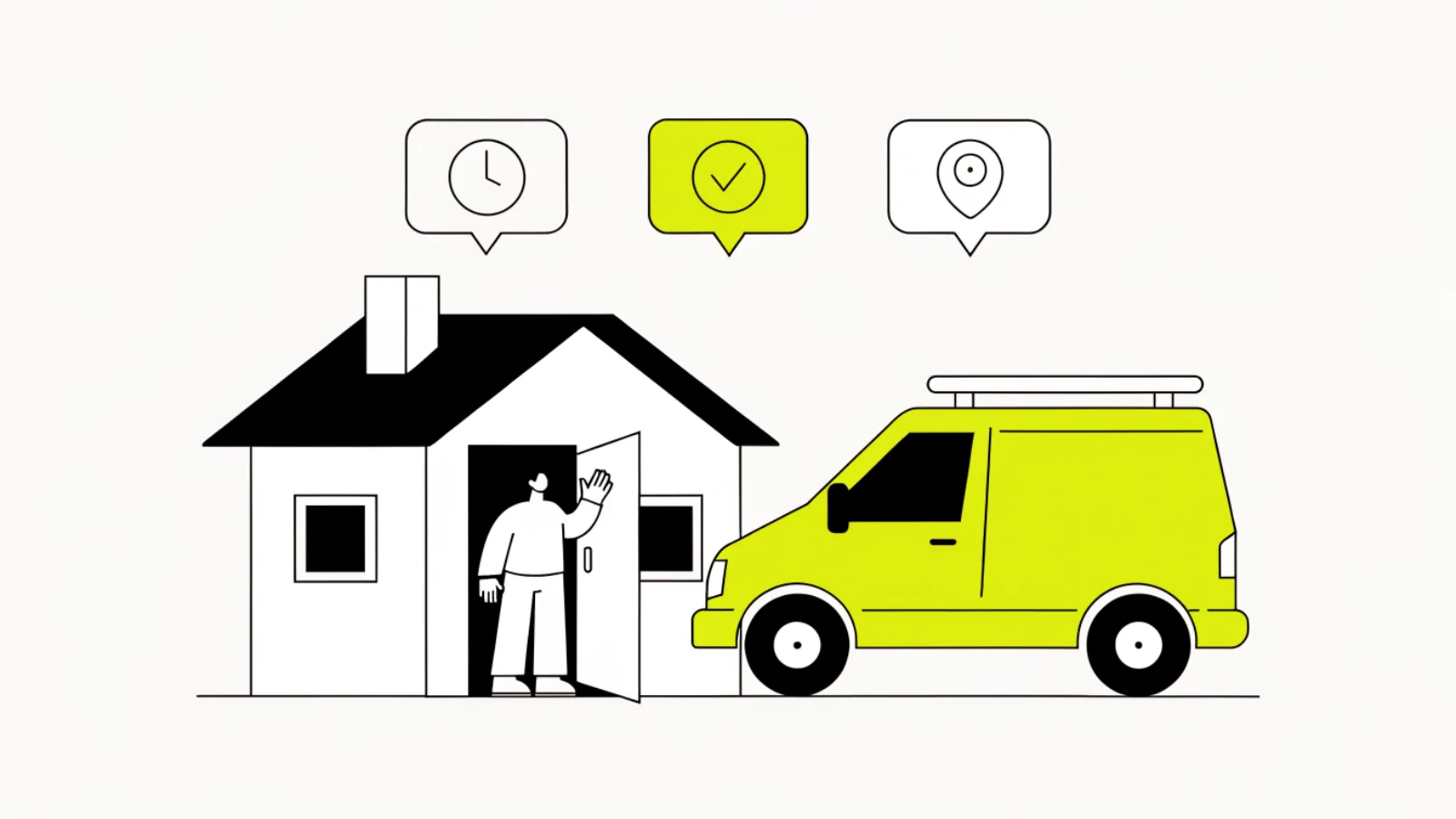
What texts stop customers from missing the appointment?
Three: a confirmation the moment it’s booked, a reminder 24 hours before with a one-tap confirm, and an on-the-way text with the tech’s name and a tight window when the truck leaves the previous job. Companies that send all three cut not-home visits to a handful a month; the 24-hour one with a reply option is the one that matters most, because a “no” reply lets you refill the slot. 88% of homeowners expect a response within 24 hours and 56% want scheduling they don’t have to phone for; the texts are that.
| Text | When | Job |
|---|---|---|
| Confirmation | Within 1 minute of booking | Proof it’s real; the date, window, address and what to have ready |
| Reminder | 24 hours before, 9 a.m.–7 p.m. | Reply 1 to confirm, 2 to reschedule; a 2 lets you refill the slot |
| On the way | When the tech leaves the previous job | Name, photo if you have one, 30–45 minute window |
| Running late | If the window will be missed by 15+ minutes | New window and an apology; prevents the one-star review |
| After the visit | 1–2 hours after | Thanks, invoice link, and the review ask on a later text |
What do the texts say?
Short, from a named person, with the one thing the customer needs to do. Swap the trade and names.
Confirmation
“Hi Maria, it’s Dave at Lone Star Plumbing. You’re booked for Tue 14 May, 8–10 a.m., for the water heater at 123 Oak St. Please clear access to the unit. Reply here if anything changes.”
Reminder, 24 hours
“Reminder from Lone Star Plumbing: Dave is coming tomorrow, Tue, 8–10 a.m. Reply 1 to confirm or 2 to reschedule. Someone 18+ needs to be home.”
On the way
“Dave from Lone Star Plumbing is on the way, about 25–40 minutes. He’s in the white van with our logo. See you soon.”
Running late
“Hi Maria, Dave’s running about 30 minutes behind on the job before yours. New window 10:30–11. Sorry for the wait; reply if that doesn’t work.”
No-show rebook
“Hi Maria, Dave stopped by at 8:40 but nobody was home. No charge this time. Want to rebook? Reply with a day and we’ll fit you in.”
Trade variants
HVAC: “please keep pets in another room and clear the area around the indoor unit.” Electrical: “we’ll need the power off for about an hour.” Cleaning: “please leave a key in the lockbox or let us know how to get in.” Lawn: “please unlock the side gate.”
Why 24 hours and not the morning of?
A reminder on the morning of the visit tells the customer about a problem they can’t fix: they’re already at work. A reminder 24 hours out, between 9 a.m. and 7 p.m., gets a reply while they can still move things, and a “2” reply gives you a day to put another job in the slot. Companies that only send morning-of reminders see confirmations but still get locked doors. Two reminders (48h and 2h) are fine for installs; one is enough for repairs.
The on-the-way text is the one customers mention in reviews. It’s also what cuts the “where is he” calls to your office to almost zero, which matters when your office is one person.
How do you send these without anyone remembering?
Booking creates the appointment in the CRM; the confirmation fires on creation, the reminder fires on a 24-hour timer, and the on-the-way text fires when the tech taps “en route” in the job app or when the previous job is marked complete. A “2” reply opens a reschedule link or creates an office task. In GoHighLevel it’s one appointment workflow; ServiceTitan, Housecall Pro and Jobber have built-in reminders that cover the first two texts and can trigger the third from the tech’s app. What they mostly lack is the running-late text and the no-show rebook, which is where a workflow earns its keep.
Texas notes
Confirmations, reminders and on-the-way texts are transactional messages about a visit the customer booked; they’re not telephone solicitations under SB 140 and need no marketing consent. Keep them between 9 a.m. and 9 p.m. anyway (a 7 a.m. “on the way” text is legal but unpopular; send it at 8 if the first job is 8:30). Don’t attach a sales offer to a reminder; that turns it into marketing. Detail on our Texas texting rules page.
Questions owners ask
Do I need consent to send appointment reminders?
No; they’re about a service the customer booked. Consent rules apply to marketing texts.
Email or text?
Text. Reminders by email get read after the tech has left.
How many reminders is too many?
Two before the visit (24h and on-the-way) for repairs; three for installs (48h, 24h, on-the-way).
What if they reply 2 to reschedule?
Send a booking link or create an office task; refill the slot with a waiting job the same day.
Should the on-the-way text include a photo of the tech?
If you have one, yes. Customers open the door faster for a face they’ve seen.
Can an AI receptionist send these?
Yes, the same system that books can send all five, and handle the 2 replies.
What about no-show fees?
State them in the confirmation if you charge one. Most residential trades waive the first.
What if the customer doesn’t reply to the reminder?
Treat it as confirmed but put the job second in the route, not first, so a locked door costs less.
Can I use this for recurring cleaning or lawn visits?
Yes; the reminder becomes weekly and the reply handles skips.
Does this work in Jobber or Housecall Pro?
Both send confirmations and reminders. Add a workflow for the running-late and no-show texts, which they handle poorly.
Next pages
Sources
- Hatch, “36 speed to lead statistics for home service businesses in 2026,” updated 13 Oct 2026 (Scorpion 2026 homeowner figures): usehatchapp.com
- Nixon Peabody on Texas SB 140, 10 Dec 2025: nixonpeabody.com
Want the five texts running on every booking?
Thirty minutes on Central Time. We write them in your words, connect them to your calendar and your techs’ app, and you stop driving to locked doors.